Casper
CASPER FOR PHONE SHOPS

POS for phone shopsin Lebanon

Keep each capacity and colour clear, scan fast-moving accessories, record serial numbers where needed, and connect supplier purchases to stock and profit.

Try Casper for 100 days, with every feature.
DEVICES AND ACCESSORIES

What does a good phone shop POS in Lebanon do?

A power bank variant, a cable barcode and a device serial number each need different handling.

01 · CAPACITY AND COLOUR

Capacities and colours, each with separate stock.

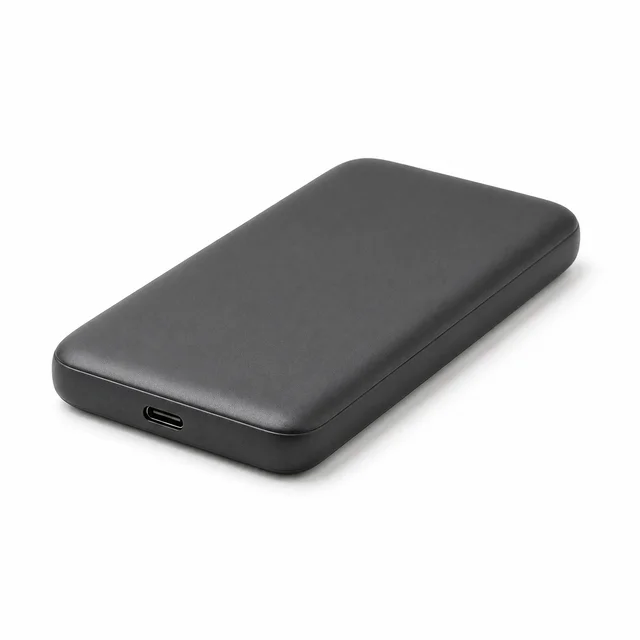
Add a power bank once, then give 10,000 mAh black and 20,000 mAh white their own price, barcode and stock count.

  • Capacity × colour under one product
  • A barcode for every sellable choice
  • Stock separated by exact model
02 · ACCESSORY LABELS

Print barcodes for cables and cases.

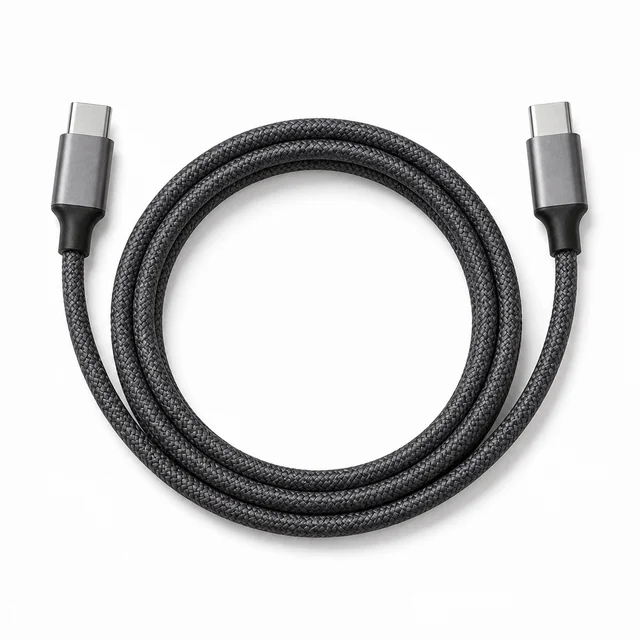
Generate a code, print the price label on your printer, and scan the exact cable length or case colour at the counter.

  • Labels for cables, cases and chargers
  • Price printed beside the barcode
  • One scan adds the exact accessory
03 · SERIAL NUMBERS

Track every numbered device in stock.

Save serial numbers on the devices that need them and select the right number during a stock movement or sale.

  • Available numbers visible before sale
  • Selected number stays with the movement
  • Accessories remain simple counted stock
04 · DEVICE PURCHASES

Devices and accessories, one supplier order.

Record the Mobile Source Lebanon order, add received quantities to stock, and follow the payment plan without a separate ledger.

  • Phones and accessories on one purchase
  • Partial receipt reflected in stock
  • Upcoming installment reminder
05 · MARGIN BY ITEM

Separate device margins from accessory profit.

Compare the recorded supplier cost with each sale, then subtract rent, salaries and generator expense for the shop’s net profit.

  • Cost stored per capacity and colour
  • Accessory margin visible separately
  • Net profit includes shop expenses
A DAY WITH CASPER

A day at a phone shop in Lebanon, with Casper

The day moves between accessory scans, device numbers and supplier arrivals.

  1. 10:00OPEN

    Check the fast-moving accessories

    Review low-stock alerts for USB-C cables, cases and power banks before customers arrive.

    USB-C cables8 leftPower banks3 black
  2. 12:30NEW DEVICES

    Receive numbered stock

    Add the new devices from the purchase order and record each serial number that the shop follows.

    Devices received12Numbers recorded12 of 12
  3. 17:00AFTER-WORK RUSH

    Scan accessories and select the device

    Add the right cable and case by barcode, then choose the numbered device included in the sale.

    Order #1042$186ItemsDevice + 2 accessories
  4. 20:00CLOSE

    Review model stock and margins

    See which capacities sold, which accessory needs reordering and how much profit the shop made.

    Top capacity20,000 mAhUSB-C cables5 left
SIDE BY SIDE

Notebook, old POS or Casper: which is best for a phone shop in Lebanon?

Compare model choices, accessory barcodes and numbered device stock.

Phone shop systems compared
Notebook Old POS Casper
Capacity and colourSeparate notebook linesOften separate productsVariants with separate price and stock
Accessory barcodesCodes copied by handBasic scanning onlyScan, generate and print labels
Serial numbersA handwritten listMay need another toolChosen number linked to the movement
Supplier stockInvoice checked laterStock entered separatelyPurchase receipt updates inventory
USD and LBPCalculator conversionOne-currency screenBoth currencies in one sale
Item marginEstimated from invoicesSales total without cost detailMargin from recorded supplier cost
1 / 6
START FROM WHERE YOU ARE

Switch your phone shop from Excel or an old POS in one day

  1. 1

    Upload models and accessories

    Import capacities, colours, prices, barcodes and opening stock from the current sheet.

  2. 2

    Choose “Phone shop”

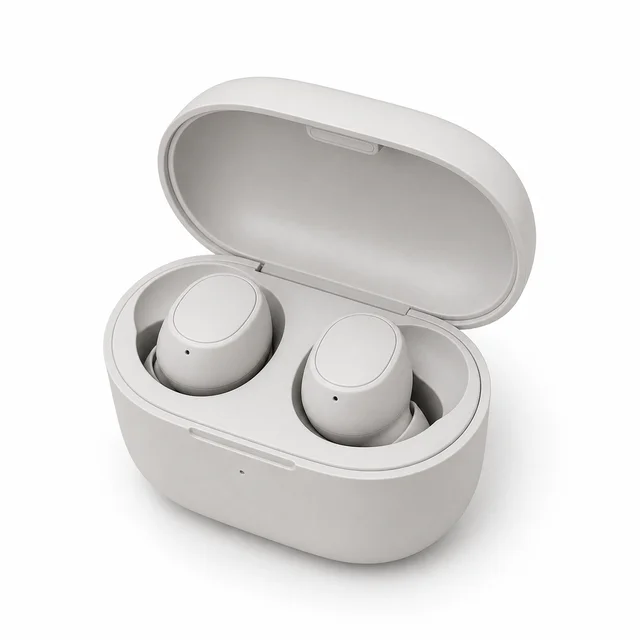
    Start with phone, cable, audio, power and wearable categories.

  3. 3

    Add the numbered devices

    Record the serial numbers you follow, invite staff with PINs and scan a test accessory.

ARABIC AND ENGLISH

Every sales advisor in their own language.

Arabic and English interfaces help the team distinguish capacities, colours and stock without changing the underlying product record.

  • Arabic sales floor · English model names
POWER CUTS

Keep selling through a power cut.

Mobile data or a hotspot can connect Casper when the shop router loses power. Casper needs an internet connection today; Casper apps with full offline mode come in Q1 2027.

  • Charged phone · Mobile hotspot
FAQ

Questions about a POS for phone shops in Lebanon

What is the best POS for a phone shop in Lebanon?

Look for capacity and colour variants, accessory barcode labels, serial number tracking where needed, mixed USD and LBP sales, supplier purchasing and item margins. Casper connects all of them.

Can Casper track serial numbers for devices?

Yes. Save the numbers on devices that need them and select the correct one during a stock movement or sale.

Can each phone capacity have separate stock?

Yes. Each capacity and colour combination can have its own price, barcode and stock count under the same product.

Can I print barcode labels for cables and cases?

Yes. Create a barcode for an unmarked accessory and print its name, price and code on your own label printer.

How do supplier installments work for device stock?

Record a deposit and later installments on the purchase order. Due reminders and the remaining supplier balance stay together.

What happens if the phone shop internet goes down?

Casper needs an internet connection today; Casper apps with full offline mode come in Q1 2027.

LIMITED TIME OFFER

Start your 100-day free trial today.

Try Casper for 100 days, with every feature, and start selling the same day.

Contact us

Tell us about your business and our team will reach out.

* Required